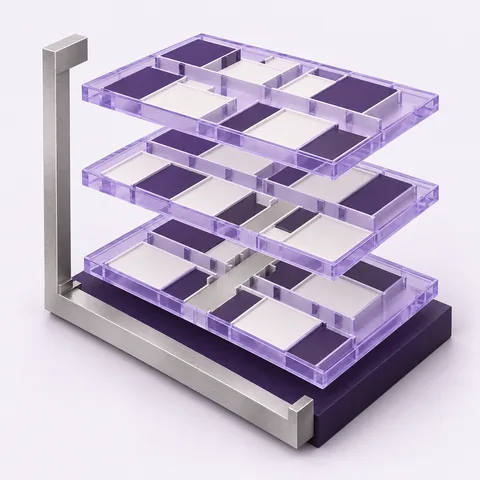
Areas and unit mix
Reconcile the space you can build, the space you price and the units you deliver.
5 min read Feasly®Request access
 Excel & files
Work with editable assumptions in Excel, bring in a supported model, or add the documents behind your appraisal.
Explore Feasly with your project
Open the Feasly add-in to edit assumptions in Excel. Review the changes, then apply them to your Feasly model for recalculation. An assumptions workbook gives you another way to take editable inputs into Excel and bring reviewed changes back.
Review the imported structure, assumptions and calculated results before creating your project. Compare the figures with the source and see which areas are available to edit. The original imported file remains available to download as your appraisal develops.
Add PDFs, images and text documents. Read or download files, follow their revision history and select the relevant revision for an Analyst conversation. Each selected reference keeps that revision, even when a newer document is uploaded.
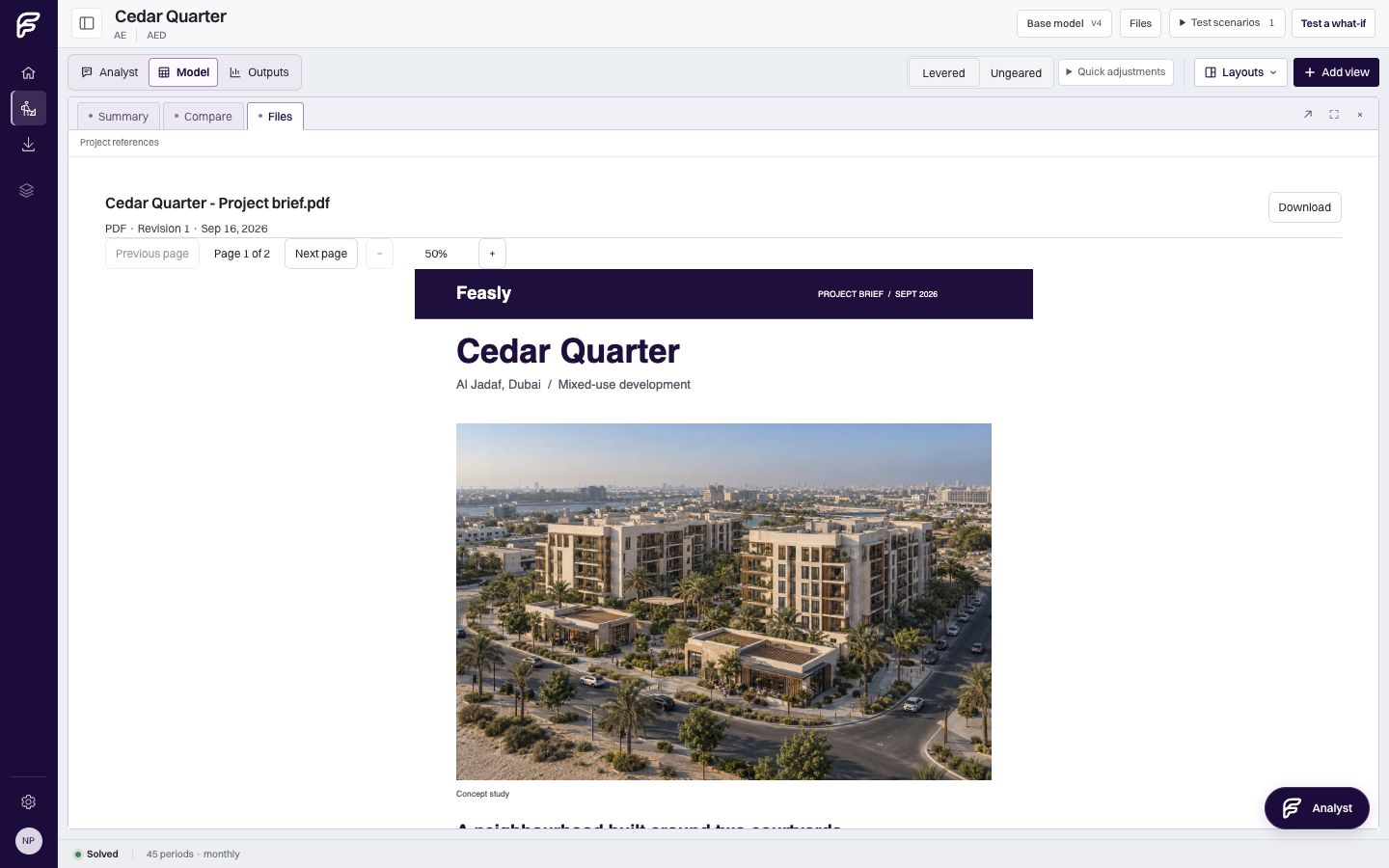
Contact the Feasly team for current file compatibility and guidance on bringing your existing models into Feasly.
Use the Feasly add-in or an assumptions workbook to exchange defined editable inputs. You can also export your model and results to an Excel workbook for review.
Use selected documents to give your questions context.
WorkspaceWork with your sources, assumptions and results together.
From the library
Reconcile the space you can build, the space you price and the units you deliver.
5 min read
Preserve definitions, reconcile cash flows and keep model handoffs explainable.
6 min read